
All suppliers must have a price list so that you can estimate your translation costs, even if you are part of an internal translation service within a company that uses your services.
If you ticked the Enter supplier languages and prices in the last step of Creating a supplier, this page opens with the required file ready for you to fill in.
If this is not the case, follow these steps:
-
Create the supplier (see Adding suppliers);
-
Go to the Supplier's page;
-
Click on the Prices tab;
-
Click on Click to create pricelist now.

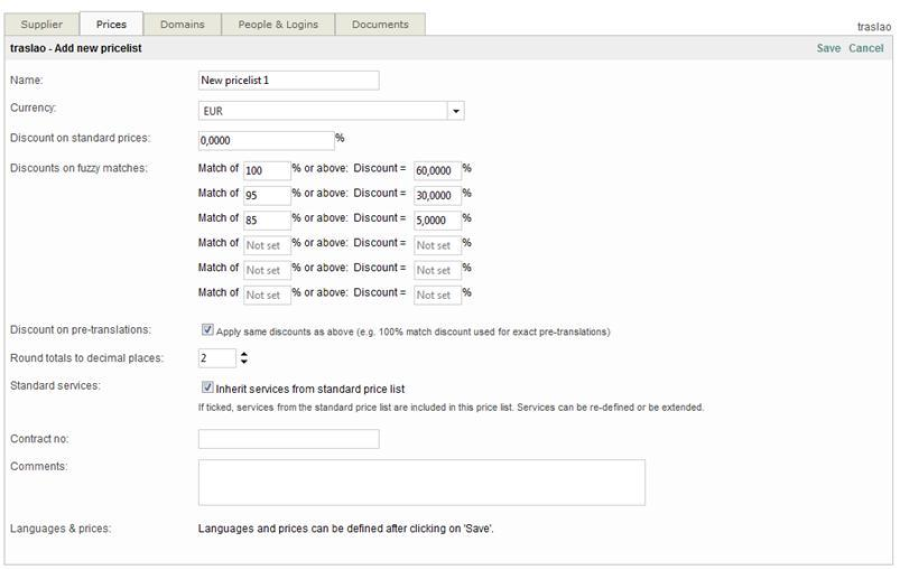
The Prices page changes to show all the required fields.
-
Click on Save after having filled the required data
Here is what you will see when clicking on the Prices tab after having added a pricelist:
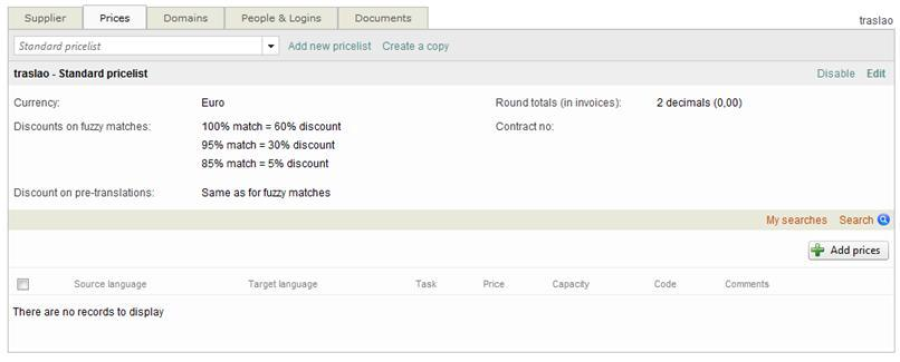
The list is now saved. You may now proceed to add language pairs:
-
Click on
-
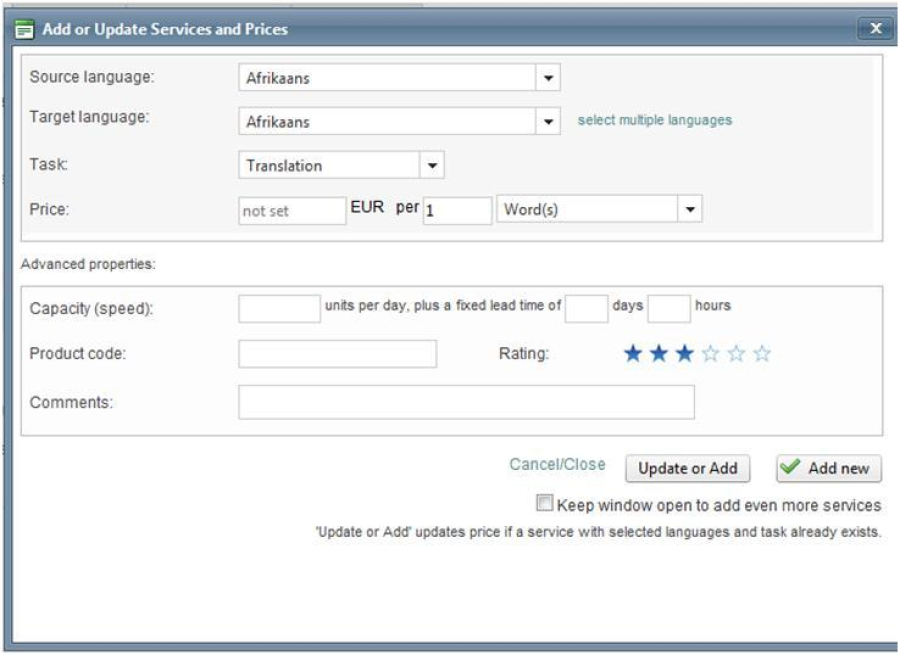
Choose source and target languages by clicking on the corresponding arrows;
-
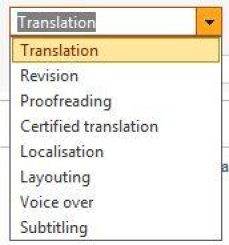
Choose a task:
-
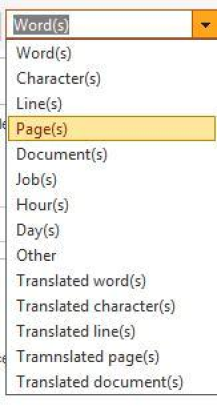
Write down the price and select to what the price is related to;
-
Add a capacity speed (if relevant), comments (if needed) and click on Update or Add or on Add new when finished.