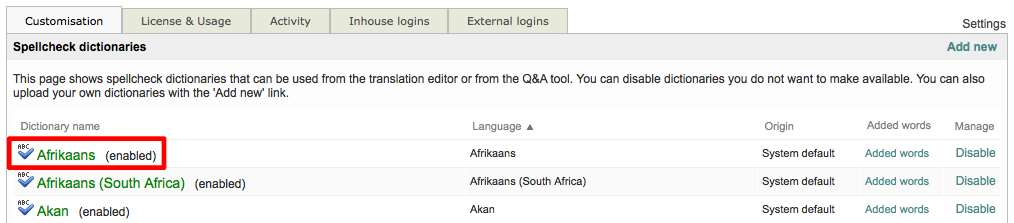
A spellcheck dictionary may be disabled or enabled at any time. All available spellcheck dictionaries are enabled within the system by default.
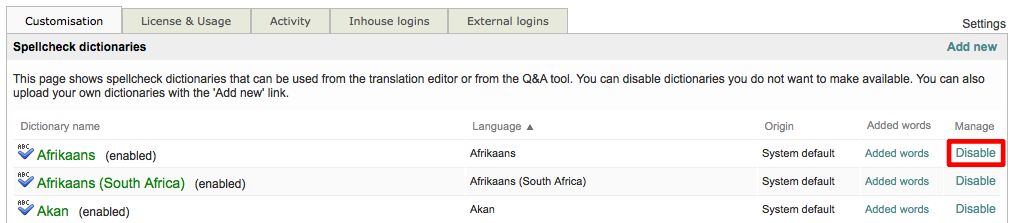
To disable a dictionary, first go to Settings > Quality Assurance > Spellcheck Dictionaries and click on Configure. Then click on Disable to the right of the desired dictionary within the list.
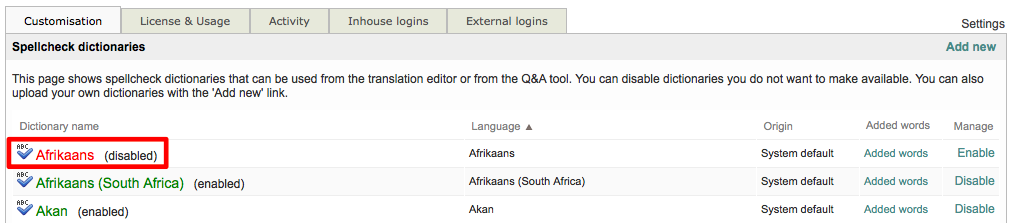
When a dictionary is disabled, it will appear in the list with Red Text and have (disabled) next to it's name, as shown below:
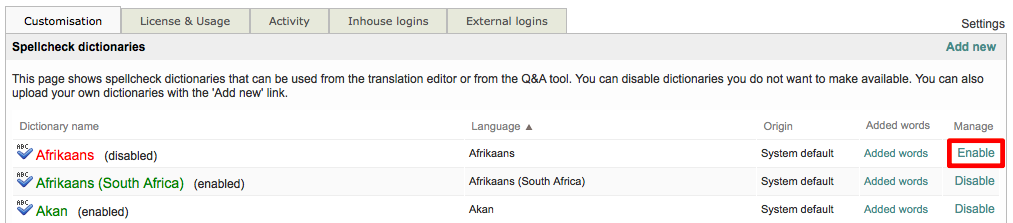
To enable a spellcheck dictionary, click on Enable to the right of the desired dictionary within the list.
Enabled dictionaries will be displayed with Green Text and have (enabled) next to their name within the list, as shown below: