
Users will be able to view the word counts in different sections of the Wordbee platform:
-
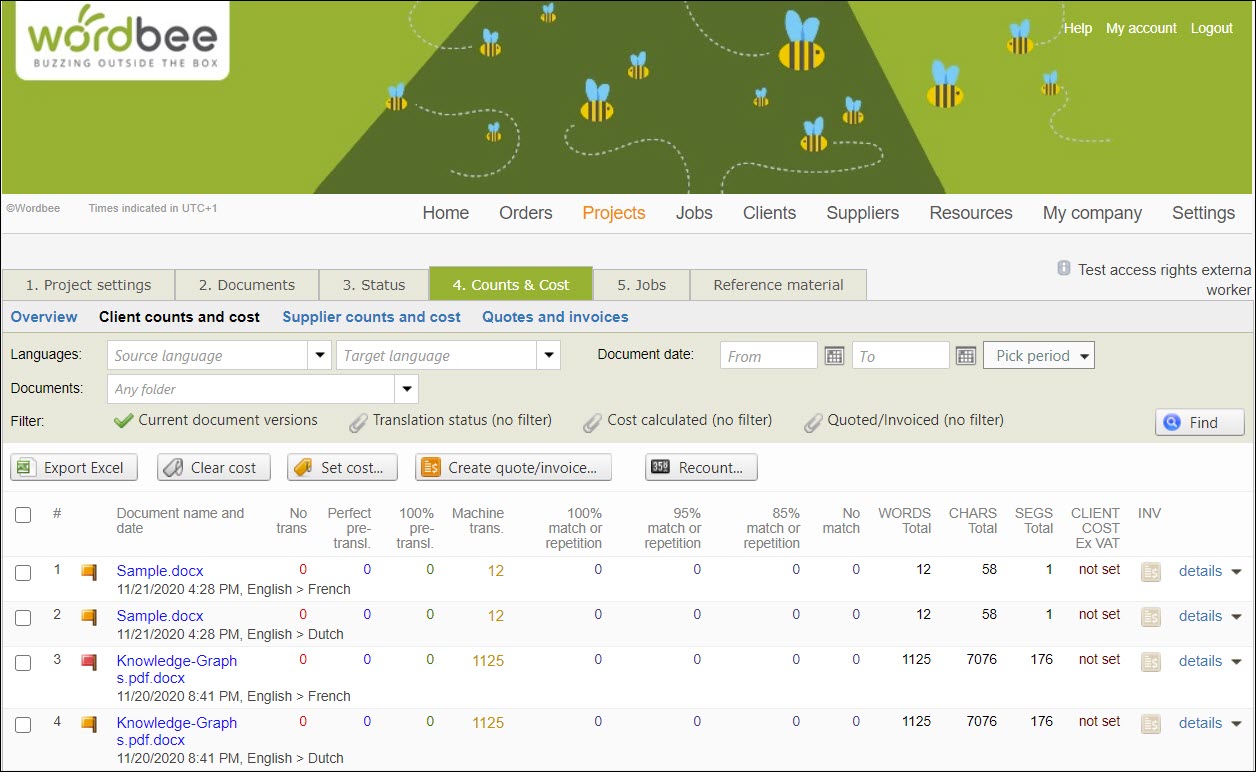
In the general Counts & Costs of clients and suppliers (Codyt projects) and Word count (Standard projects)
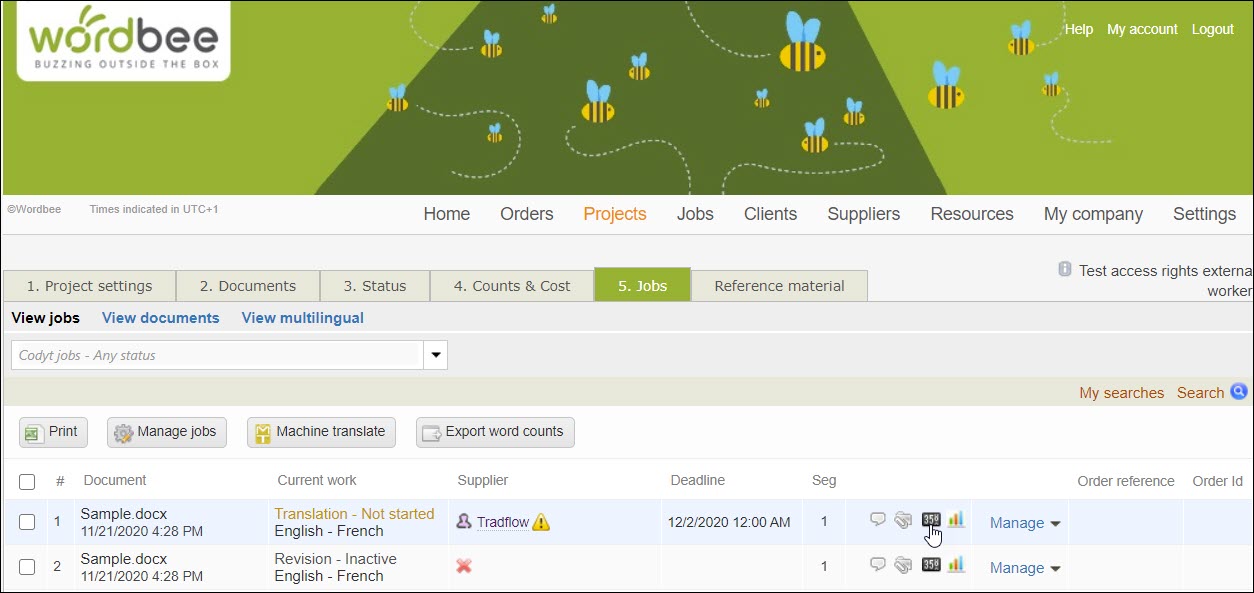
2. Using the word counting icon at the job level.
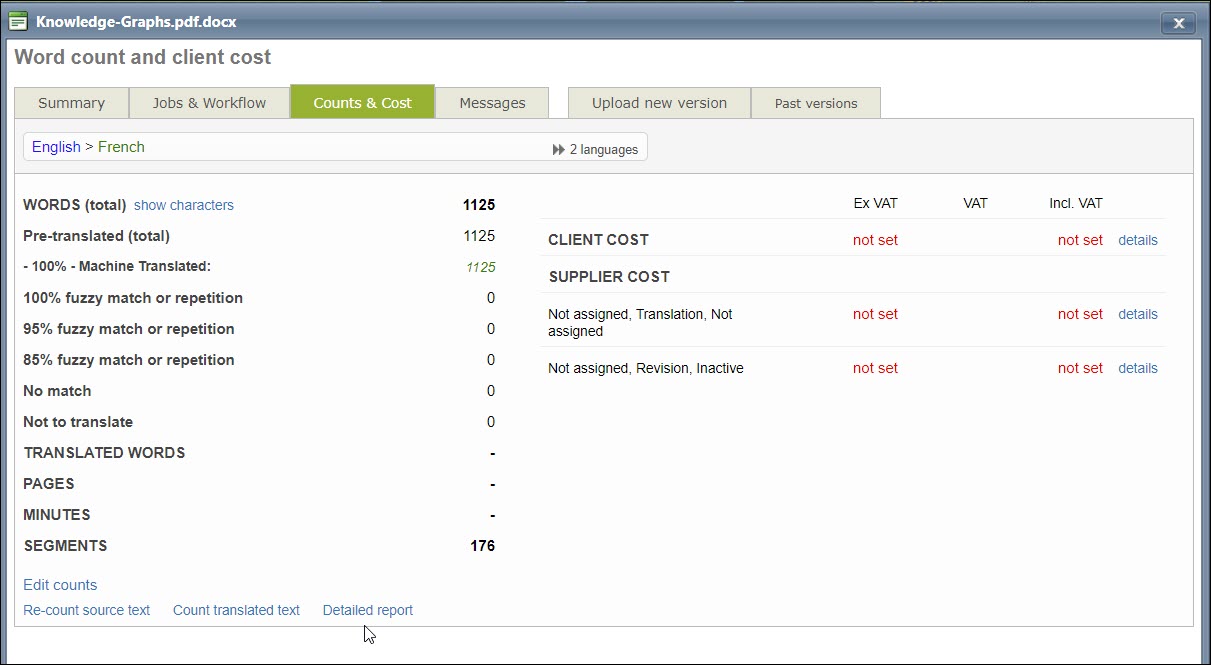
3. In the detailed word count report at the document level. This report is accessible only to managers.
See the articles in this section to learn how to view and download the word count reports from different areas of the Wordbee Translator system.