
You may want to change the initial word count profile you assigned to a Standar project to adjust the costs or apply different pre-translation settings to new documents you receive from the client. Proceed as follows:
-
Open the Standard project.
-
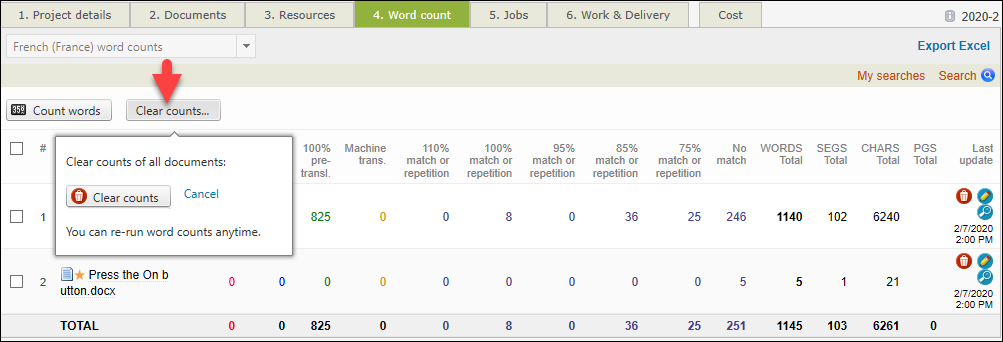
Go to Word count.
-
Use Clear counts to remove the word counting report.
-
Use Count words to access and adjust the word count settings.
It is recommended that you change the word count profile of a running project only after all the current jobs have been completed! This way the new settings do not impact the costs and pre-translation settings of the old documents.
Related pages